Upload a photo, describe an idea, or remix a community design — and get a pattern in seconds for cross stitch, needlepoint, fuse beads, diamond painting, amigurumi and more.
Free to use · No account needed · See a sample PDF
Drag the handle. Every stitch is a real DMC floss color you can buy.
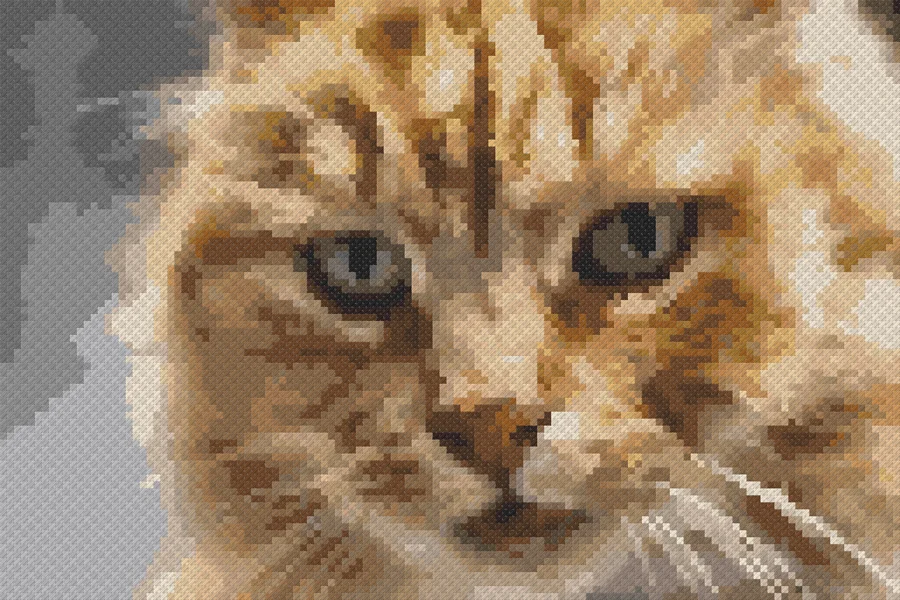
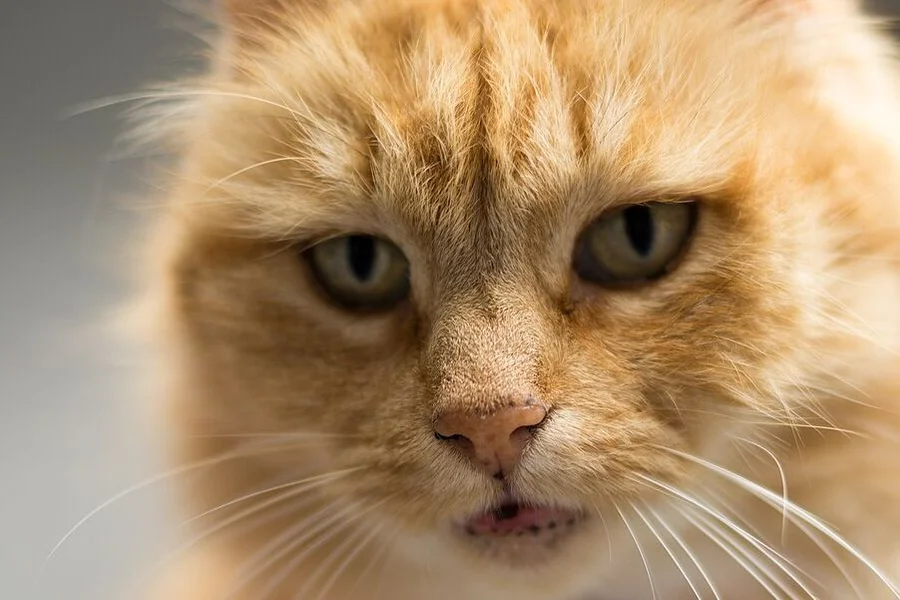
Drag to compare
Explore patterns created by our community
From the Knytstudio team

SEK 59

SEK 295

SEK 110

SEK 39
No experience needed. If you can click, you can create
Start from scratch or turn any image into a pattern
Auto-match to real DMC floss colors you can buy
Download a printable PDF or use the built-in progress tracker
Simple tools that just work
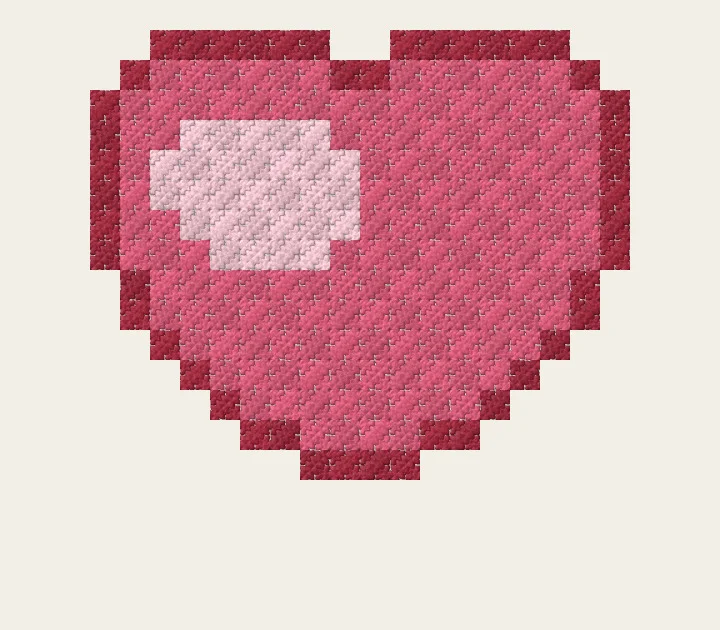
Try it: drag across the stitches to mark them done
Two designs made in the designer. Drag to turn them around.
Real feedback from the community
This is becoming the best cross stitch editor out there.
— Community member
I don’t think I’ll go back to FlossCross now to convert my images. I like that it calculates how many days I’ll need to finish as well, very nice.
— Facebook group member
I tried creating a canvas, and it looks like it does exactly what I want 😃 I’m impressed!
— New user
Design for free. Public patterns are free to download and track. Keep yours private with an unlock or Pro.
Every plan includes the full editor: photo to pattern, real DMC & Anchor colors, backstitch, magic fill, confetti cleanup, and more.
Design, share and stitch for free
Keep one pattern private
Private and professional
Cancel anytime · Secured by Stripe · No-questions-asked refund
Tips, tutorials, and tools for stitchers
Four ways to start a pattern in Knytstudio: from a photo, from a community pattern, from a description, or from a blank canvas.
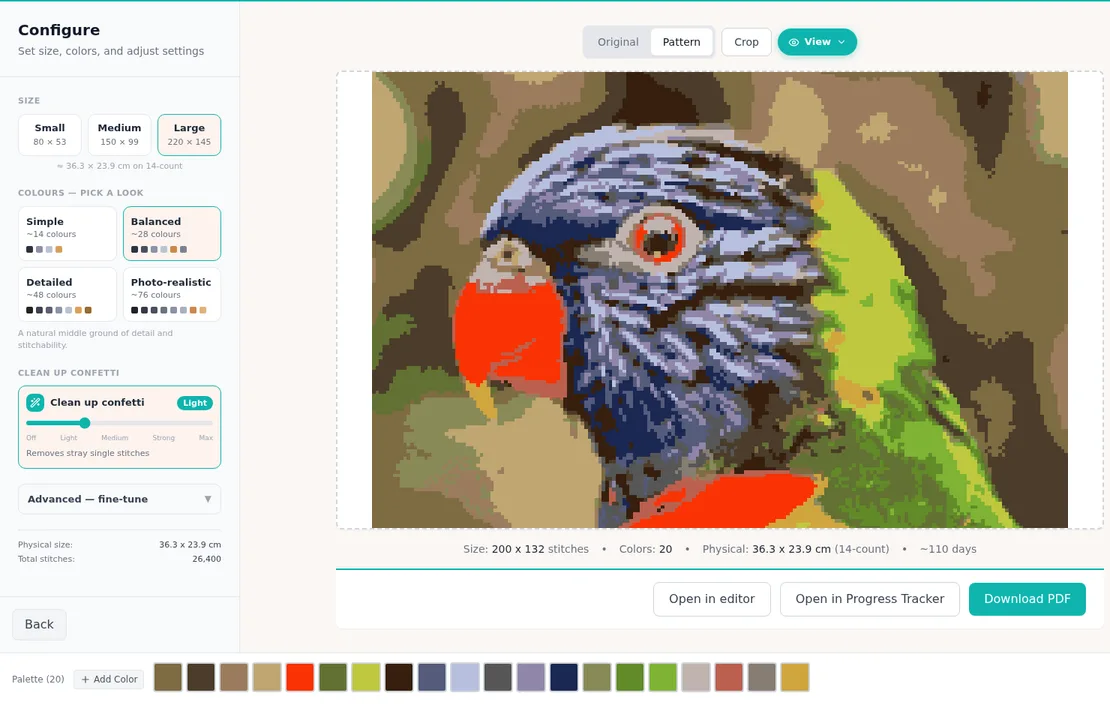
WorkshopTurn any photo into a stitchable chart: crop, choose size and colors, pick your thread brand, and place it on the canvas.
WorkshopMark stitches as you go, follow one color or one row at a time, track backstitch, parked threads and knitting rows, and carry on from your phone.
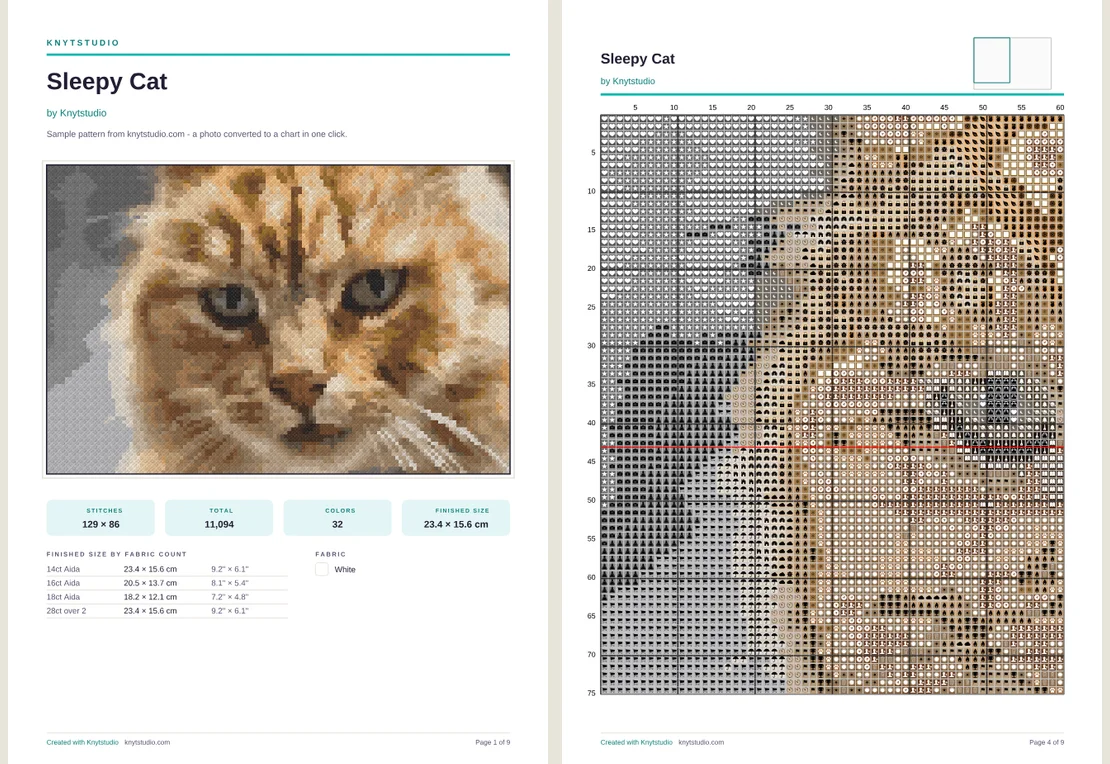
WorkshopPrint-ready charts in eleven languages: symbols or color blocks, labeled pages with an overview, a floss key with skeins, backstitch and a tracker QR code.
What makes a good sock yarn, why most of it contains nylon, how many metres a pair takes in each size, and the sock yarns we stock in our shop.
Open Knytstudio in ChatGPT's built-in browser and ask it to swap threads, add a border, merge colours or find a pattern. You watch every change on the chart.
Confetti are the lone stitches scattered through a cross-stitch chart. Why they slow you down, how to clean them up, and the Snake game that eats them.
Yes. Knytstudio runs free in your browser: turn a photo into a chart, design on a blank canvas, or describe an idea and let the AI draft it. No download and no account needed to start, and your first pattern includes free PDF export. After that you can unlock patterns individually or go Pro for unlimited exports.
Upload the photo, choose the size and how many colors you want, and Knytstudio matches every stitch to real DMC floss colors. You get an editable chart: clean up stray confetti stitches automatically, tweak colors, then print a PDF with symbols and a floss shopping list.
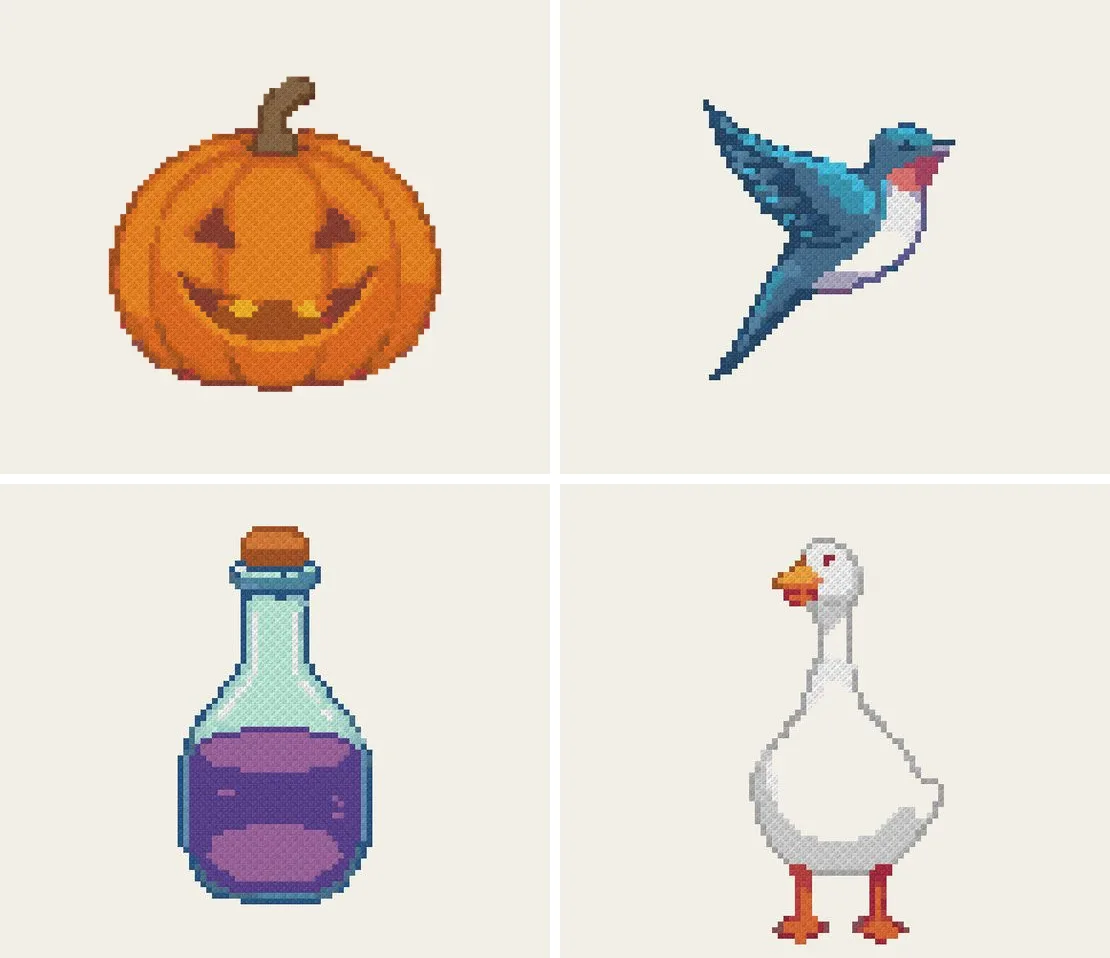
Knytstudio has hundreds of free community patterns organized by theme: space, animals, flowers, halloween, and more. Every one can be opened in the editor, recolored, resized, and printed.
Yes. It runs in the browser, so it works on Mac, Windows, iPad, iPhone, Android, and Chromebooks with nothing to install. Your patterns sync across devices when you create a free account.
Yes. Knytstudio supports cross stitch, knitting charts with a full stitch symbol library, gauge settings, and flat or circular modes, and pixel art. No other tool in this space covers both cross stitch and knitting chart design in one place.
Patterns you create are yours to share or sell. You can publish them to the community for others to stitch and remix, keep them private, or export them as PDF and OXS files that work with other software like WinStitch and FlossCross.
Most pattern software is solo desktop software. Knytstudio adds a community layer where you can publish, browse, and remix patterns, plus AI pattern generation and automatic confetti cleanup, all in the browser. We wrote an honest comparison of every major tool, including where the desktop apps still win.


From Sweden, with wool
Knytstudio is a two-person project from Sweden: one of us builds this app, the other runs Knytfolket, our yarn shop. There is no big company behind it, just a couple making tools and stocking yarn for the crafts we love. We read every message.
Visit our yarn shop →
Your next project is just a few clicks away.
Start Designing →Free to use · No account needed