
Creating Patterns
Magic Fill
Select an area of your pattern, describe what should go there, and Knytstudio draws it in place — sized and colored to fit.
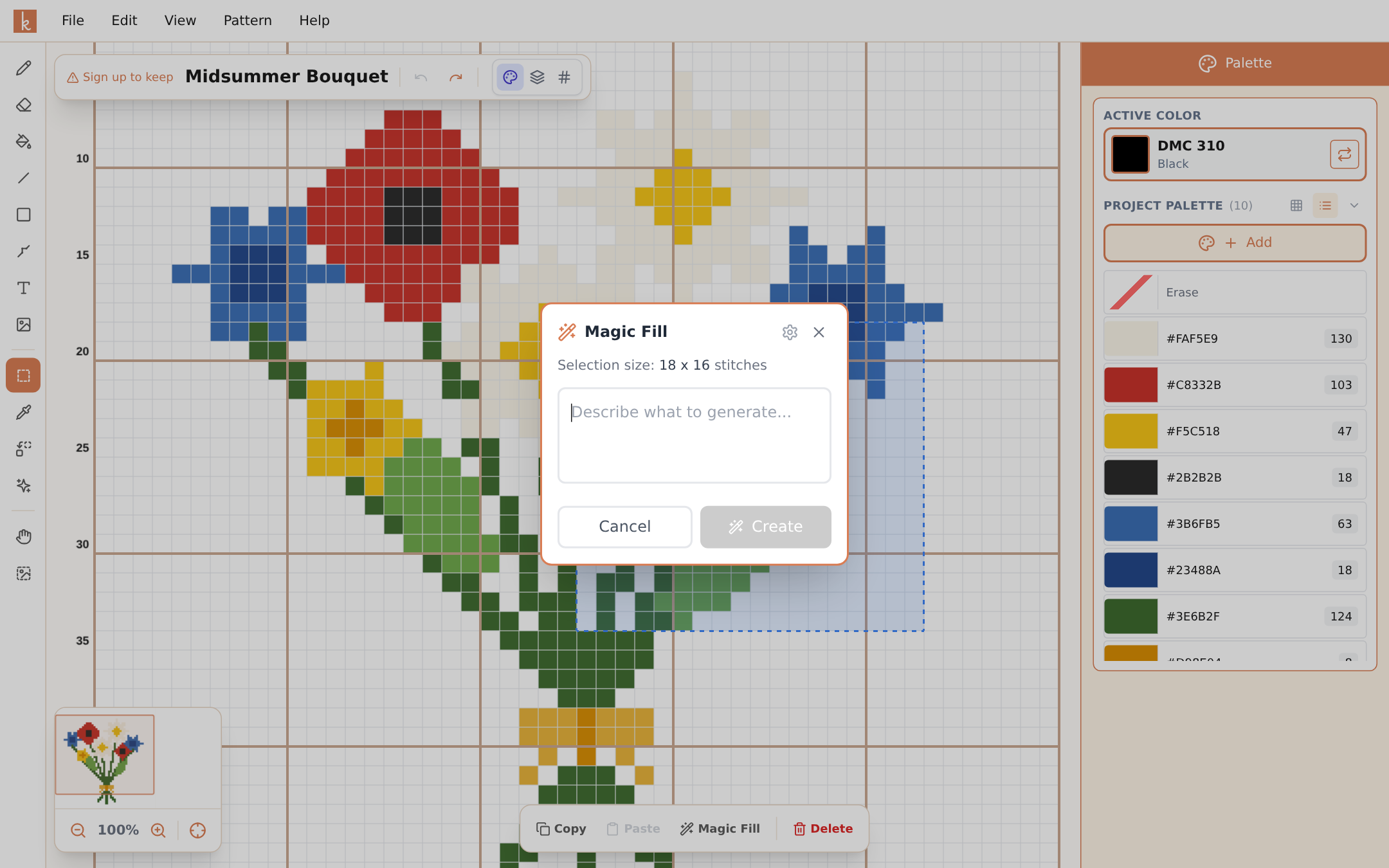
Magic Fill is Design Spark’s little sibling, and for many people it is the more useful of the two. Instead of generating a whole pattern, it generates a figure into a selected part of the pattern you are already making.
Building a summer sampler and want a bee in the top corner? Select the corner, type “a small bumblebee”, and it appears there — sized to the selection, in floss colors, with the rest of your pattern untouched.
How to use it
- Pick the Select Area tool and drag a rectangle where the figure should go. The options bar shows the selection size in stitches.
- Click Magic Fill in the options bar.
- Describe what you want, choose how many colors it may use, and decide whether the background should be transparent (usually yes — that way it sits naturally on your pattern).
- Create. The figure is drawn into the selection.
If it is not quite right, undo and try again with a sharper description — one credit per try.
Where it shines
- Samplers and collages. Build a pattern from many small motifs without charting each one by hand.
- Filling awkward gaps. A little flower or star in an empty corner finishes a composition.
- Personalizing remixes. Took a community pattern? Magic Fill a motif that makes it yours.
Because the result is ordinary stitches, everything in the editor applies afterwards: recolor it, mirror it with copy and paste, outline it with backstitch.
Frequently asked questions
Does Magic Fill use the same credits as Design Spark?
Yes, they share your monthly design credits: 3 as a guest, 5 with a free account, 50 with Pro.
Can the fill have a transparent background?
Yes — toggle transparent background in the dialog and only the figure itself is drawn, so your existing pattern shows through around it.
What sizes work best?
Knytstudio adapts the drawing style to your selection size automatically: small selections get simple, chunky figures; larger ones get more detail. Tiny selections (under about 10 stitches) are too small for much more than a dot, so give it some room.
Try it yourself
The Knytstudio editor is free to use in your browser. No install, no signup needed to start.
Open the editor